Troubleshooting
Resetting a Maytag Oven Control Panel, and the Three Locks Behind It
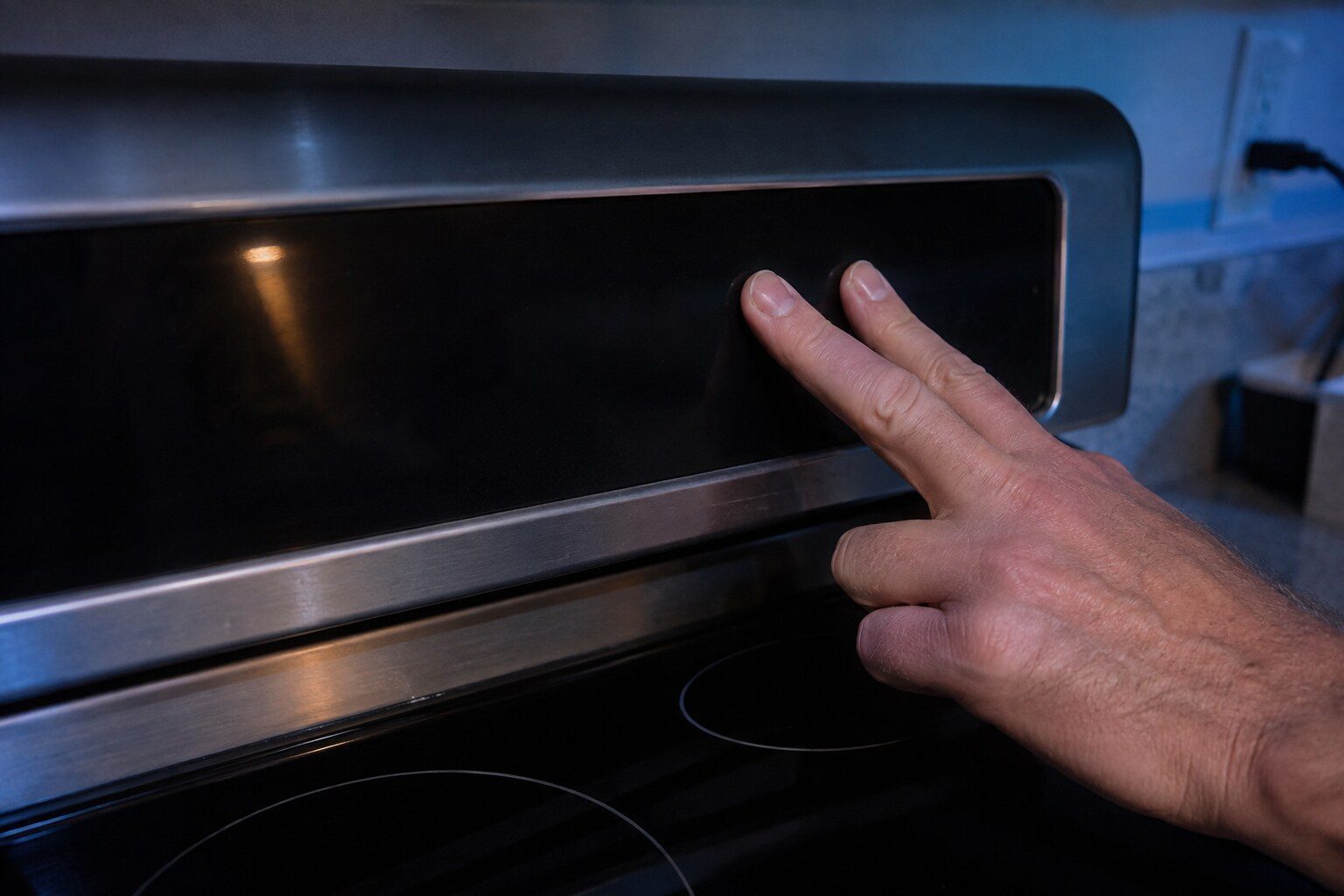
Work through three things in order. First, control lock — it disables the whole panel, it is set by a cloth during cleaning far more often than by a person meaning it, and it is cleared by holding a pad rather than tapping it. Second, a self-clean lock that has not released, which will not let go until the cavity genuinely reads cool and that takes at least two hours after the cycle ends rather than the twenty minutes people expect. Only when both are eliminated is the breaker worth cycling: fully off, five minutes, back on. If the panel is still deaf after all three, the control or the touch membrane is worth looking at, and by then the conversation is specific rather than a guess.
The full guide
How do i reset my maytag oven control panel is asked far more often than an oven actually needs resetting, and the reason is that three quite different conditions produce the same silent panel.
How do I reset my Maytag oven control panel? Control lock, which is most of these
There is a lock on these panels so that a child cannot switch an oven on. It works, and it also engages under a cloth when somebody wipes the front down.
Once set, every pad is dead. The clock still shows, the panel still lights, and nothing responds — which is a convincing impression of a failed control board to anybody who does not know the feature exists.
Look for a padlock symbol somewhere on the display. Then find the pad it belongs to and hold it for several seconds rather than pressing it, because a tap does nothing. On most of these the symbol clears audibly.
We ask about this first because it costs nothing, and because we would rather you found it in thirty seconds than paid for a visit to be shown a padlock.
The self-clean lock, and the patience it needs
If the oven has run a clean cycle recently, the door lock is the second thing to consider and it needs waiting rather than doing.
A self-clean cycle takes the cavity above eight hundred degrees, and the door stays latched until the appliance reads it as safe. That is not twenty minutes. It is comfortably two hours from the end of the cycle, and on a large cavity in a warm kitchen it can be longer.
While the lock reports engaged, the oven will not heat and often will not accept much else either. So a panel that seems dead after a clean cycle is frequently an oven waiting, and the correct action is to leave it alone and come back.
Do not pull on the door, and do not put a tool near the latch. The mechanism is motorized and the hinges carry spring tension; forcing it turns a latch into a latch plus a door.
Then, and only then, the breaker
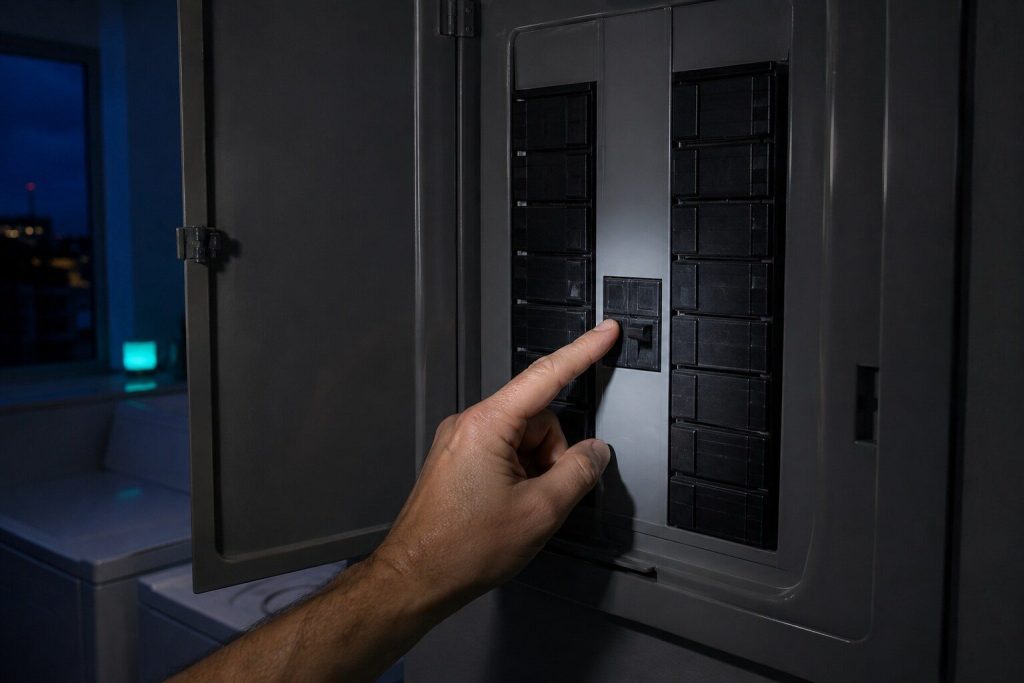
Switch the appliance's breaker fully off, wait five minutes, and switch it back on.
Five minutes rather than five seconds, because this is doing two jobs: clearing a control that has stopped responding, and giving a latch that stopped partway the chance to re-home itself when power returns. On a good number of stuck locks that is the whole fix.
Before you do it, write down anything on the display, exactly as it reads and including any space between characters. Cooking is the half of this maker's range where conditions are published in detail, and our archive carries them. That note is the shortest route to the part, and the breaker erases it.
What the answer means afterward
Same as any reset: this is a test.
A panel that comes back and stays working met a condition — a voltage dip, an interrupted cycle, a lock. A panel that is dead again within a day, or that comes back showing the same code, is reporting something real, and that is a specific enough answer to book on.
Repeating the reset a fourth time produces no new information and is not worth the evening.
One pad or the whole panel
Worth establishing before you call, because it points at two different parts.
A panel where every pad is dead is a control, a lock, or power. A panel where most pads work and one or two do not is the touch membrane itself — the layer under the glass that actually senses a finger — and that is a different component with a different price.
Press each pad in turn and note which respond. It takes a minute and it saves a step at the door.
The clean cycle is why several of these start
If the panel trouble began within a week or two of a self-clean, say so when you book, because the connection is real and it is frequently missed.
Eight hundred degrees for several hours is the most demanding thing an oven ever does to itself, and the control sits directly above the door where a good deal of that heat ends up. The latch is in the same same area, and so is the temperature sensor. A meaningful share of the oven work we do follows a clean cycle rather than ordinary cooking.
That is not an argument against ever using the feature. It is an argument for expecting the link when something appears afterward, instead of treating a dead panel in March and a clean cycle in February as unrelated events.
Demonstration mode, which is rare and complete
Occasionally an oven that came off a display floor, or one whose control has been reset in an unusual way, sits in a mode where it runs every light and every beep and heats nothing at all.
It is uncommon enough that it is the last thing on this page rather than the first, but when it applies nothing else makes sense until it is cleared. If the panel responds perfectly and the oven simply never gets warm, look for an indicator on the display and mention it when you book.
If it turns out to be a repair
What this leads to, and what it costs
Every job on this site is priced the same way: an on-site diagnostic first, the figure agreed in writing before anybody starts.
-
Oven door locked after self-clean
Self-clean puts the oven above eight hundred degrees and locks the door until it is safe. Most of the time the door is still locked because the oven is still hot, and the answer is patience. The rest of the time the cycle put something out of action on its way through, and that is the call we usually get.
- The lock will not release until the cavity has genuinely cooled — that can be two hours or more
- A self-clean cycle is the single hardest thing an oven ever does to itself
- A door still locked the next morning is a repair, not a wait
-
Cooktop controls will not respond
A glass cooktop has no knobs, which means everything you can see is a message from the control. A panel that has gone deaf is far more often locked, wet or too hot than it is broken, and all three of those clear themselves once you know what you are looking at.
- A control lock disables the entire surface and is set by a wipe of a cloth
- Water or a spill on the panel makes it ignore every touch until it dries
- A zone that will not switch off should be killed at the breaker, not argued with
-
Oven error code DEMO MODE
Maytag oven error code DEMO MODE: An element weakens for a long time before it opens, which is why a continuity test passes on a bad one and why it is measured cold against the maker's own figure instead. Which machines can raise it, what the maker publishes about it, and what to do next.
What this one means -
Self-clean and door lock repair
The oven holds its door shut through a self-clean and releases as it cools. When it does not, that is the motorized latch, and it is a same-day call rather than something to live with — an oven you cannot open is a kitchen missing an appliance. The one thing not to do is run the cycle again: a stalled latch put through the same heat is how this gets more expensive.
- A same-day job: an oven locked shut is a kitchen missing an appliance
- Do not run the cycle again — that is how the latch gets worse
- The reason the clean stopped early is found too, not just the latch

Questions people ask about this
How do i reset my maytag oven control panel when the door is still locked?
Wait two full hours from the end of the clean cycle before anything else. The oven will not release while it reads hot, and the cavity holds heat far longer than the outside of the door suggests. Then cut power for five minutes, which re-homes the latch on a good number of these.
The panel lights but nothing responds.
That is the control lock picture almost exactly. Look for a padlock symbol and hold the pad it belongs to for several seconds rather than pressing it. It is the single most common reason an oven appears completely dead.
Nothing lights at all.
Then it is power rather than lock, and the breaker is where to start. On a range, check whether the cooktop still works — live burners with a dead panel is a different finding from a completely dark appliance.
Will a reset clear my clock and settings?
The clock, yes, and you will need to set it again. Nothing else that matters is lost, and a reset is not something to avoid on those grounds.
Can I force the door open?
No. The latch is motorized and the hinges are under spring tension, and pulling against both is how people get hurt on this repair. A latched door that will not release after cooling and a power cycle needs somebody.
Troubleshooting
More guides like this one
-
Resetting a Maytag Washer After a Power Cut, and What a Reset Proves
The button sequence is the least useful part. What matters is that a reset is a test, and most people run it without knowing they are running one.
Read more -
The Reset Button on a Maytag Ice Maker, and Why It Is Rarely the Answer
People look for this button because an ice maker is the one part of a refrigerator with nothing published to look up. What it proves is more useful than what it fixes.
Read more -
A Maytag Dryer That Will Not Start: Gas and Electric Part Company Immediately
Two questions decide almost everything: does the panel light, and which fuel is it. The answers send you to opposite ends of the machine.
Read more
Tell us the model number and what it is doing.
This article is based on:
- Official manufacturer documentation
- Internal repair procedures
- Technician repair history
- Company quality standards